
In today’s fast-moving digital world, validating ideas quickly can make or break a product. The Minimum Viable Product (MVP) keeps teams honest by putting something real in front of users sooner, so you learn fast and avoid over-building.
What an MVP Really Means
An MVP is a working version of a product stripped to the essentials. It solves a real problem, delivers clear value, and gives the team fast feedback before heavy investment. It’s not a rough mock—it should still feel usable, just focused.
Think of building a transportation solution:
Imagine transport. A single wheel is useless. A skateboard is simple but gets you moving. That’s the MVP mindset: ship the smallest version that truly solves the problem.
Why MVPs Matter in UX Design

Reduce Risk with Real-World Testing
Ship something small, watch how people use it, and learn quickly whether the idea is worth more investment.
Faster Learning
Early releases surface usability issues and missing value before the team goes deep on build and polish.
Use Resources Wisely
Effort stays focused on the features that matter, not on extras nobody asked for.
Get to Market Quickly
Launching early brings in feedback, early adopters, and sometimes keeps competitors playing catch-up.
Build What Users Actually Need
An MVP forces teams to ground decisions in real behavior, not assumptions.
7 Steps to Designing an Effective MVP
Step 1: Identify the Core Problem
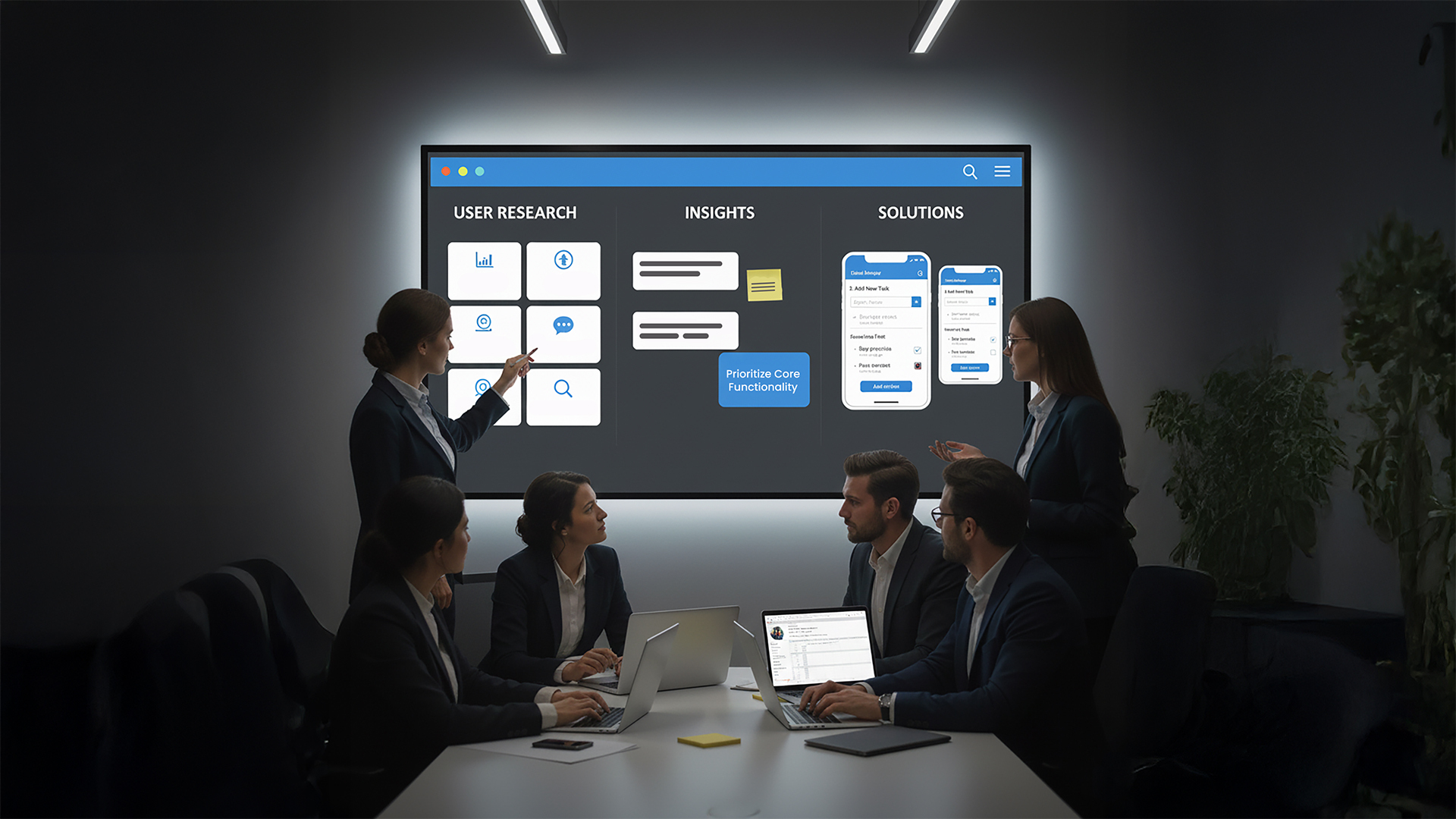
Start with research—talk to users, sift through feedback, and name the pain point. In a meal-planning app, people might ask for more recipes, but the real issue could be decision fatigue. Define success early with simple measures like retention, task completion, and a usability score.
Step 2: Validate Your Idea
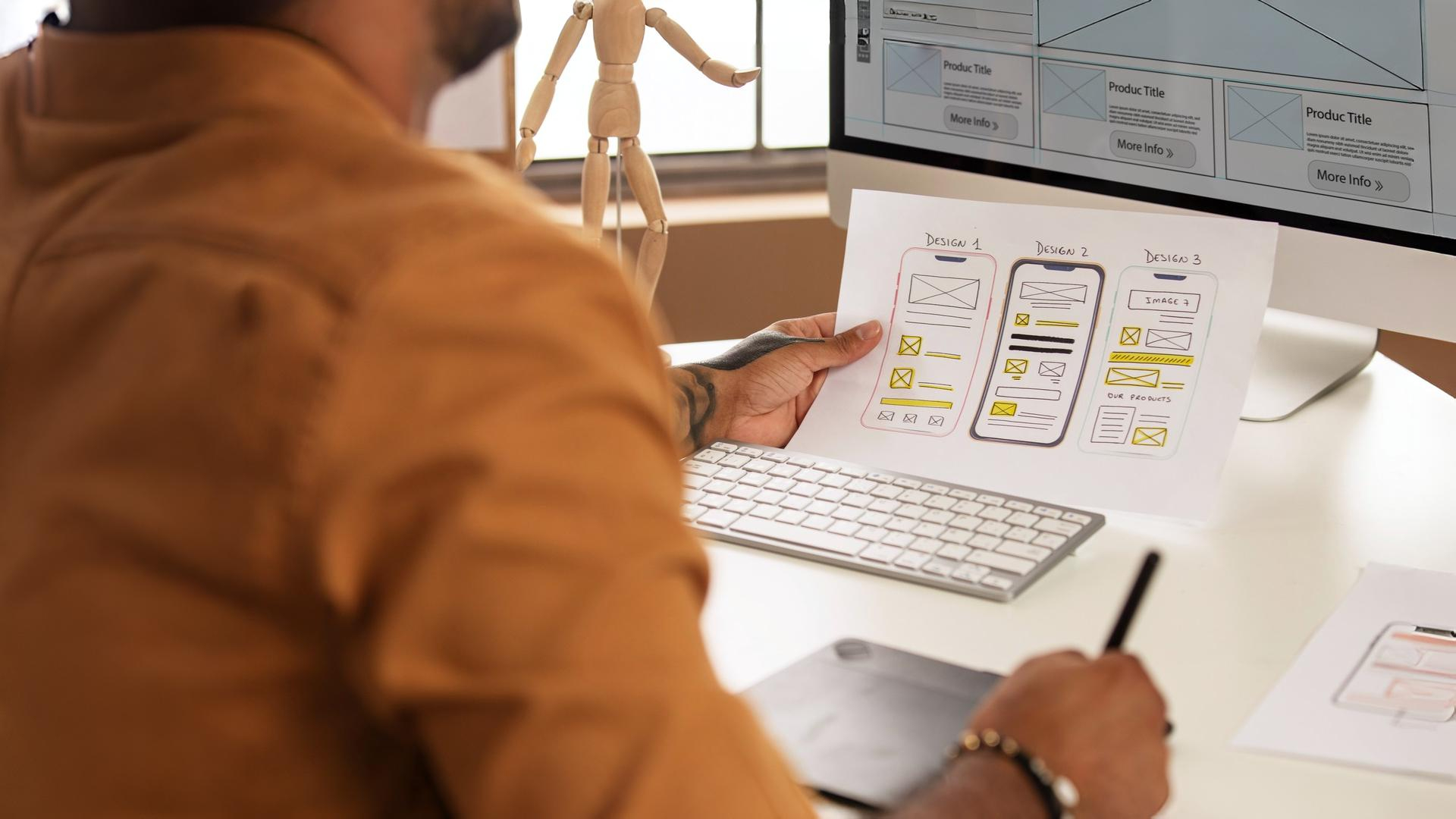
Before building, test interest and usability. Fake-door tests, quick wireframes, card sorting, and a handful of interviews reveal whether the idea is worth building and how people expect it to work.
Step 3: Craft a Clear Value Proposition
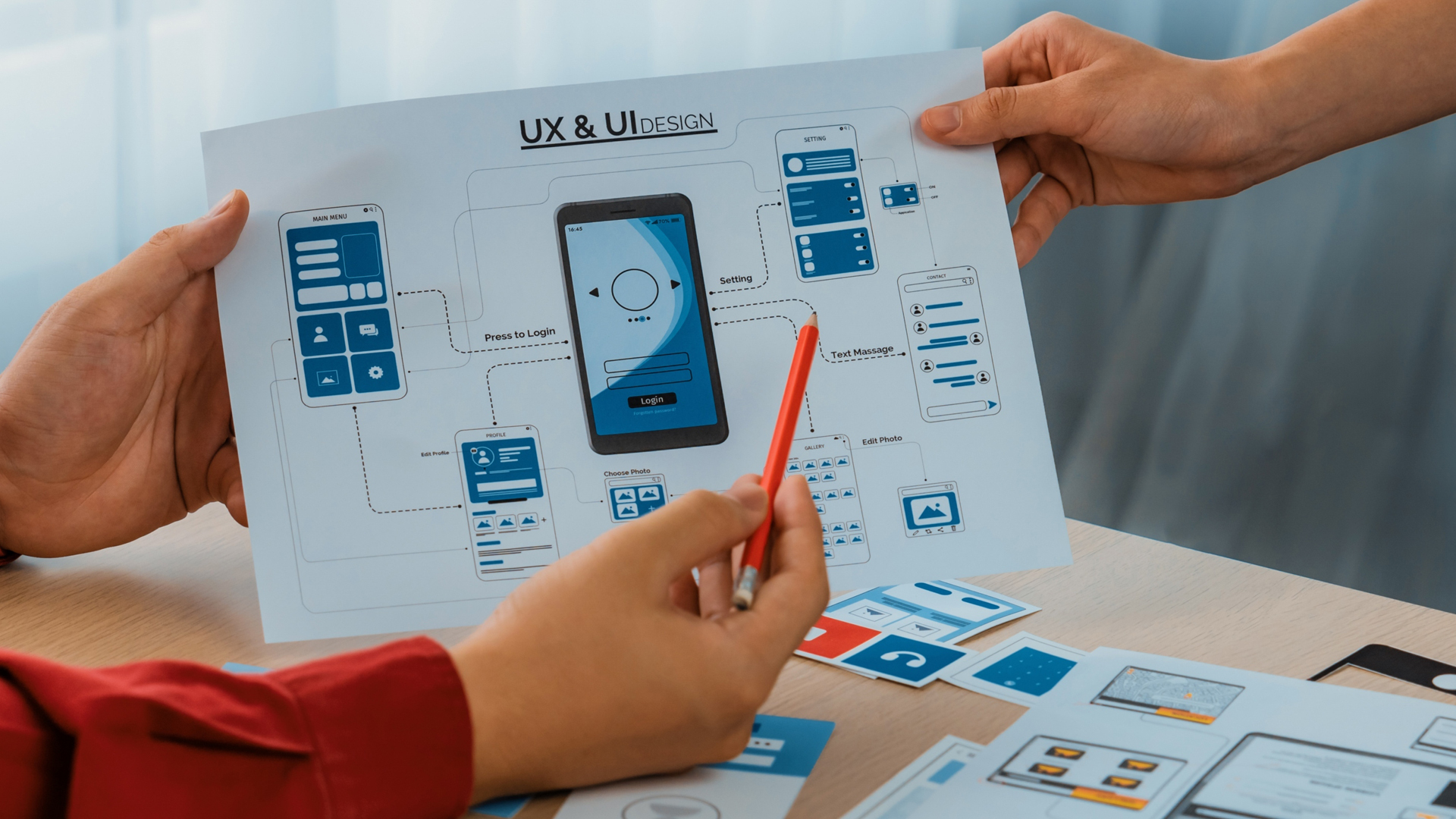
Explain what the MVP does, who it helps, and how it fixes the problem. For a meal-planning app, that could be:
_“Reduce daily meal stress with personalized suggestions based on your tastes and ingredients you already have.”
Step 4: Prioritize Features Ruthlessly
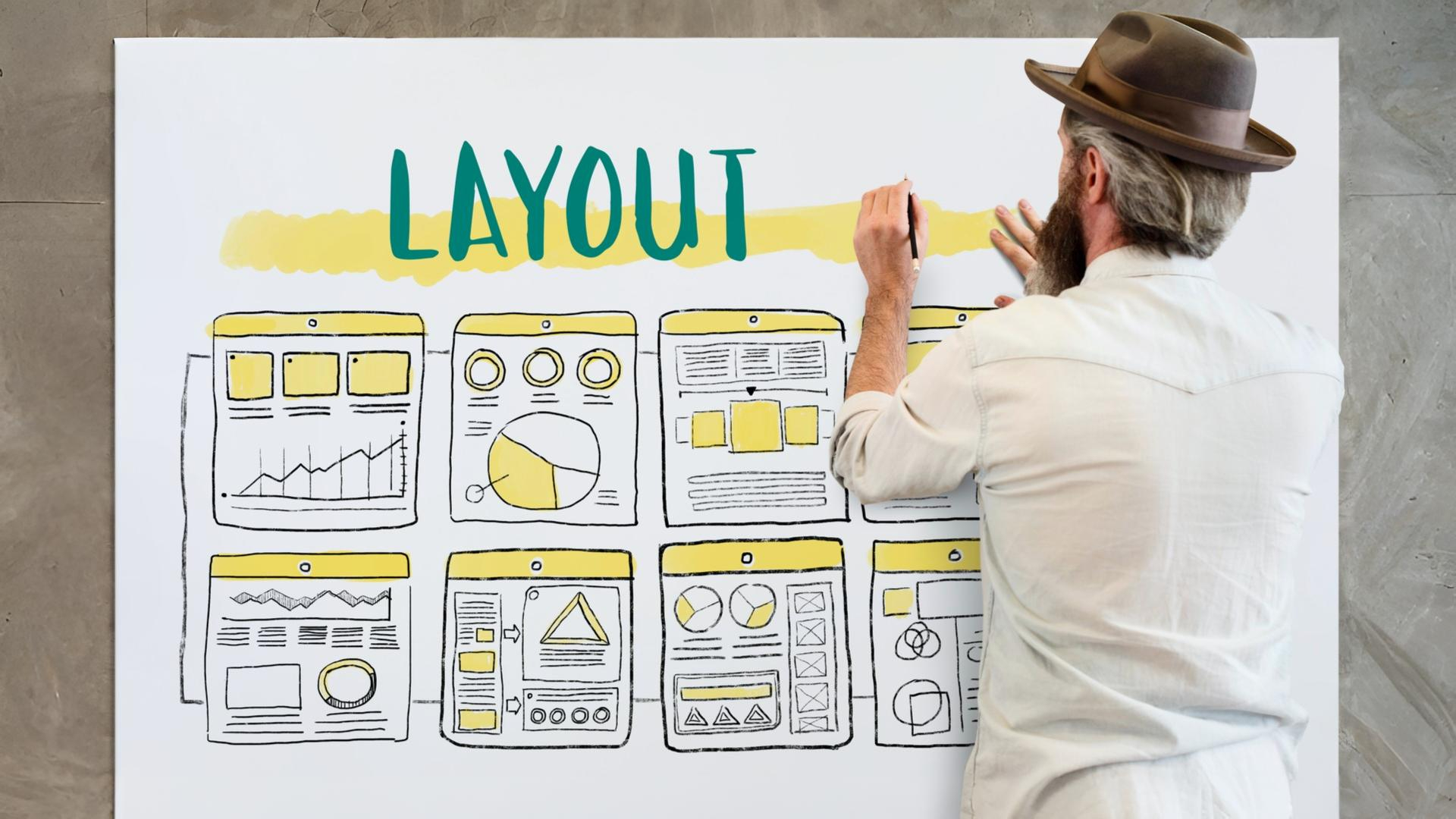
List the dream features, then cut back to only what solves the core problem. Personalized suggestions stay; video tutorials and social sharing can wait. Keep what helps you learn fastest.
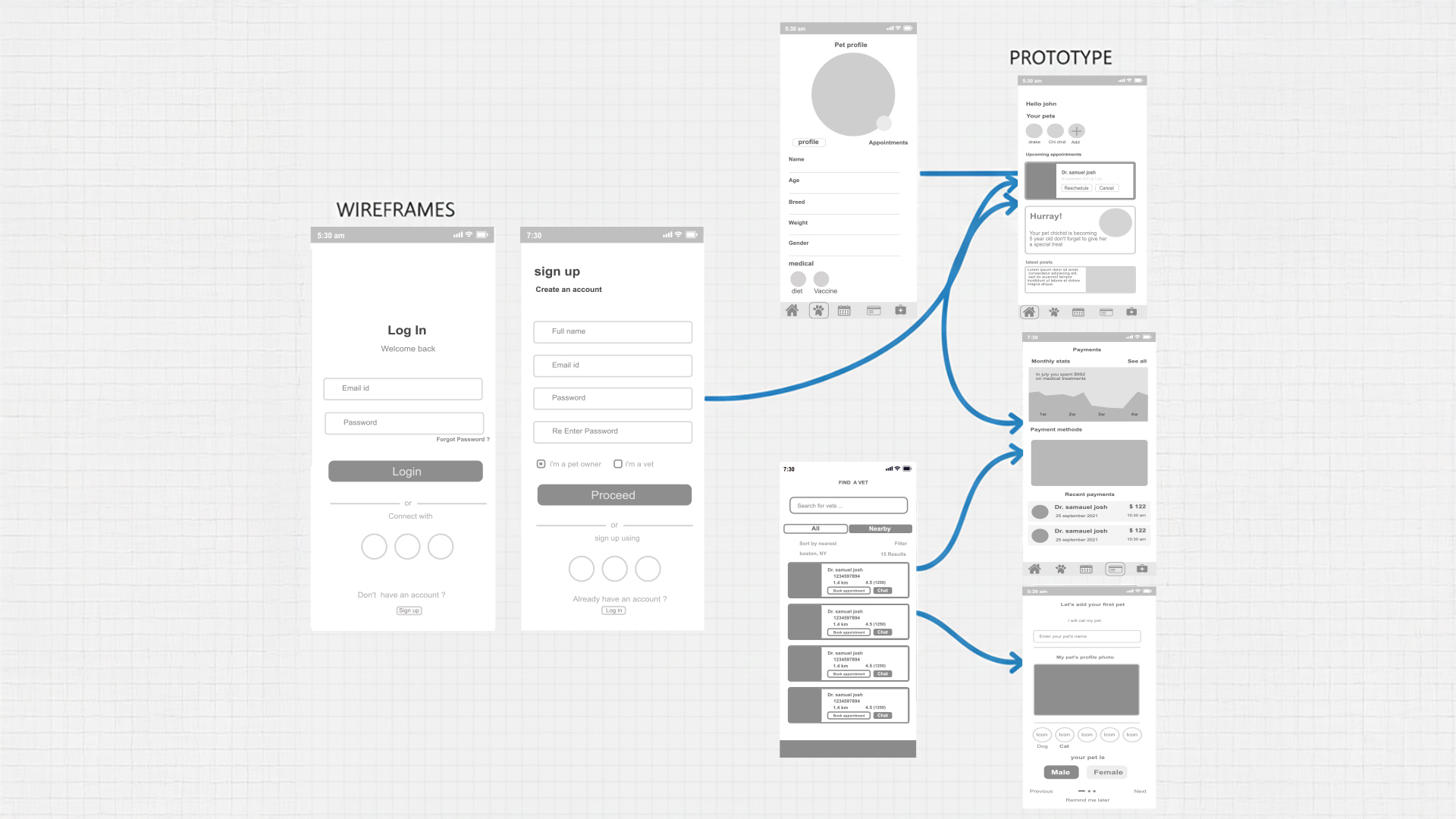
Step 5: Map User Flows & Create Wireframes
Outline the simple flow: open the app, see a suggested meal, skim the steps, accept or swap, and mark it as planned. Turn that into quick wireframes and get early feedback.

Step 6: Build Prototypes and Test
Build a clickable prototype—no pixel-perfect visuals needed, just working interactions. Run a few usability sessions, an A/B test if it fits, and a quick heuristic review. Refine fast.
Step 7: Build, Launch, and Improve
Partner with engineering to build the lean version and, if helpful, run a soft launch. Track adoption, task completion, and whether the data supports your original assumptions. Iterate quickly.

MVP vs Other Approaches
MVP vs “Release Early, Release Often”
Both rely on feedback. “Release early” lets users steer the direction freely, while an MVP starts with a clear hypothesis and goals to prove or disprove.
MVP vs Beta
A beta often ships most features but may be rough. An MVP ships fewer features but must already be functional and valuable.
Common MVP Mistakes to Avoid
Overbuilding, accepting low quality (“minimum” isn’t “broken”), skipping research, ignoring feedback, or skipping success metrics all derail the learning an MVP is meant to deliver.
Conclusion: MVP as a UX Mindset
An MVP is a UX mindset, not just a release tactic. Build the simplest version that delivers value, learn from real behavior, and grow with every iteration.
Pandalytic Technology & MVP Approach
At Pandalytic Technology, we use the MVP methodology to build products users actually want. We start by understanding real user problems, then create simple prototypes and test them early to learn fast. We focus only on essential features, launch quickly, and improve through continuous user feedback and data. This approach helps clients reduce risk, save costs, and reach the market faster. With MVP thinking, we don’t just build products — we create solutions that grow through learning and iteration. Start building your MVP with Pandalytic Technology! Let’s talk.
